

How to Make Super Bowl Ads with AI
If you’re reading this in the hopes of uncovering a single AI tool that can do all your team’s video work for you in seconds… you’re going to be disappointed. As of 2026, anyone who claims differently is selling you on a false promise. But your creative team can indeed use AI for video.
With modern AI models, you can now produce everything from explainer videos to short films, AI avatars to motion capture scenes, and b-roll to Hollywood-grade effects. And yes, you can add Super Bowl-worthy ads to the list of what you can make with AI. It’s just not as simple as pressing a “generate” button. If it were, everyone would be doing it. Their outputs would all be nearly identical. And all would be lost in a sea of sameness.
The reality is it often takes multiple tools and one or more talented people to create quality videos with AI. While everyone’s process is different and some workflows can be far more complex and interwoven, most go through the same five steps for AI video production.
- Step 1: AI Video Ideation
- Step 2: AI Video Script Writing
- Step 3: AI Video Storyboarding
- Step 4: AI Video Generation
- Step 5: AI Video Editing
Step 1: AI Video Ideation
If you watch any of the AI-powered ads that made it into this year’s Super Bowl or our recent AI Portfolio Show, you’ll find a single common theme: every great ad or video begins with a great idea. And those don’t come from machines alone; they’re rooted in human insight.
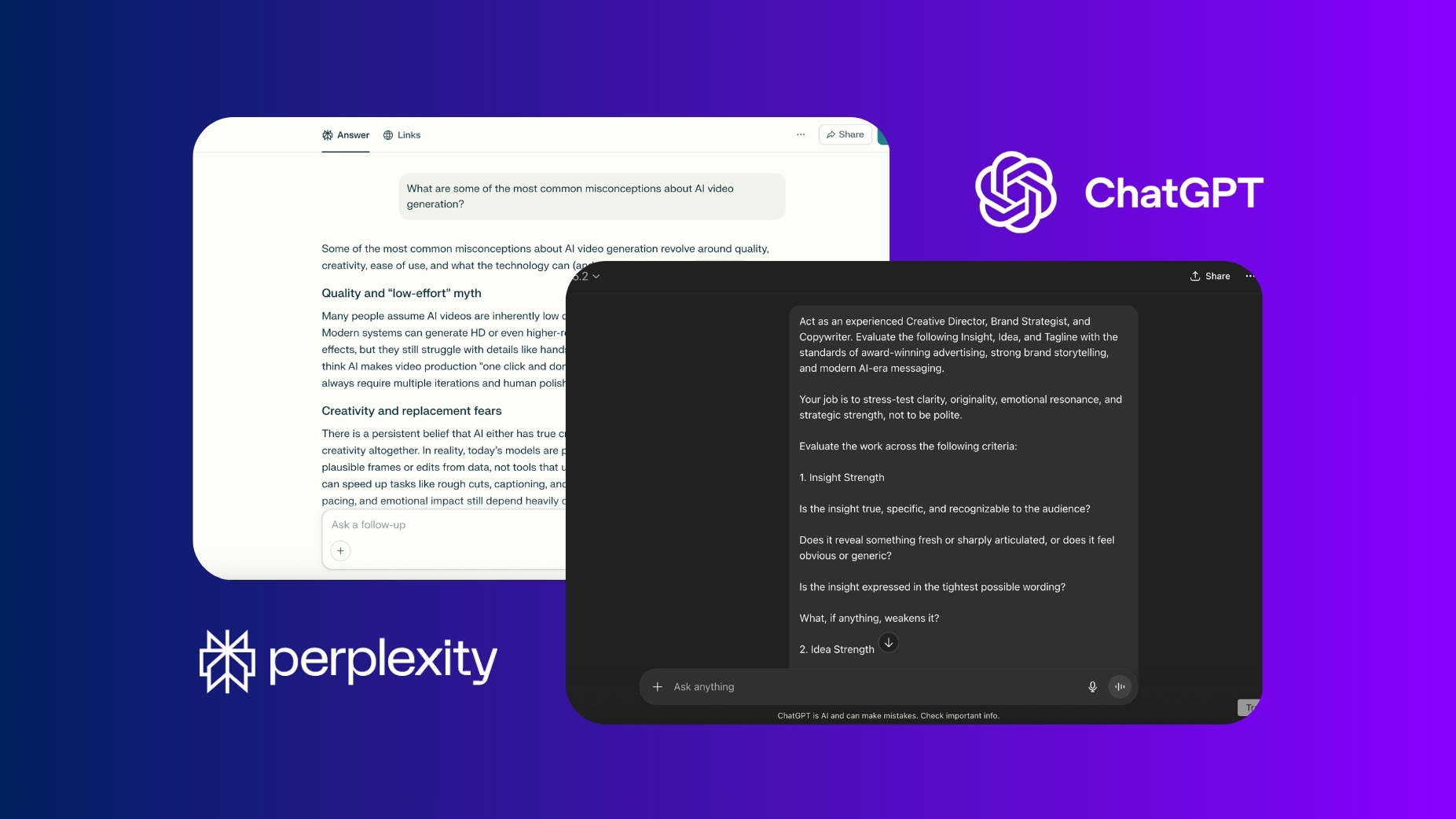
While the insight should come from your talent, AI can help uncover it. Your team can use the technology for everything from brief development to subject matter research. Learn the history of the brand, what people say about it in testimonials, and how competitors are positioned in the market. AI can quickly surface patterns, summarize feedback, and help you understand what will get your audience’s attention.
Used this way, the technology becomes a partner in creative exploration. It may not ideate well on its own, but it can inspire and comment on your ideas – providing different perspectives when asked. Uncover pain points, features, benefits, and proofs in its answers. Fact-check everything. Then, turn your facts into insights, and turn your insights into video concepts. Remember, a great idea should be simple enough to explain in a sentence, unique enough to stand out from others, and compelling enough to capture attention.
Recommended Tools: ChatGPT, Claude, Gemini, Perplexity
Step 2: AI Video Script Writing
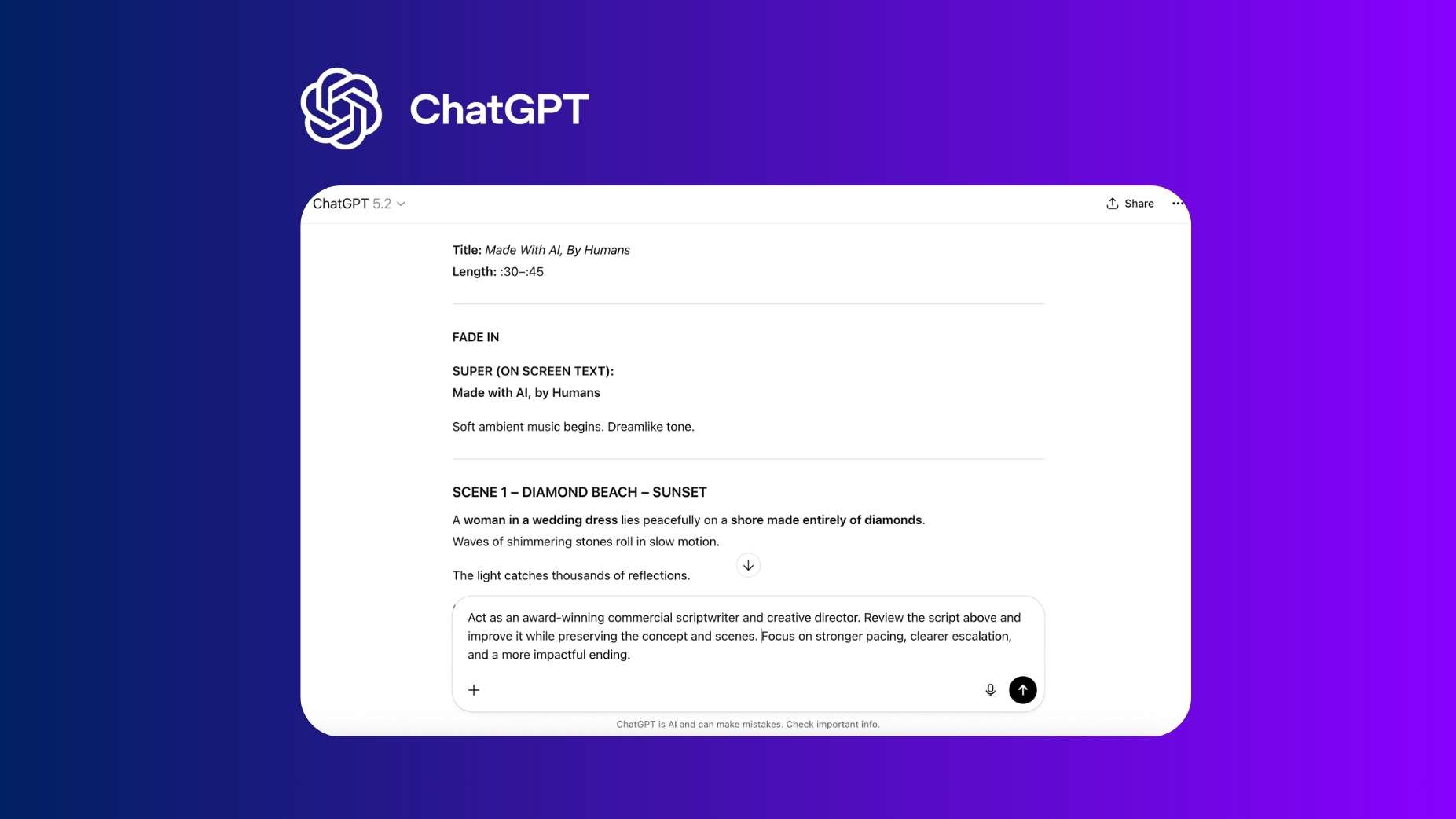
Some AI creators and filmmakers will admit they begin generating their videos without a script. But more often than not, the ones that perform best spend the most time writing. You can continue to iterate on your script as you generate your video, but don’t skip this step. At this stage, AI can help you explore variations of hooks, punchlines, and transitions.
It can rewrite lines for tone, clarity, or pacing. It can even help stress-test whether a concept makes sense to an unfamiliar audience. You can also lean on the technology to help fill capability gaps, whether that be turning an idea into an outline or an outline into a script. But the structure, pacing, and intention should ideally be driven by human talent and avoid overused AI tropes.
Remember a well-written script:
- Hooks attention in the first few seconds
- Builds and maintains tension, curiosity, or emotion
- Delivers a clear payoff or message
When writing, keep lines concise and scenes visual. Long dialogue often feels unnatural when AI-generated. But if you use cartoon animation styles or visuals other than talking heads, you can avoid the criticism that often comes with AI videos that intend to pass as photorealistic.
Recommended Tools: ChatGPT, Claude, Gemini, Sudowrite, Jasper, Copy.ai, Notion AI
Step 3. AI Storyboarding
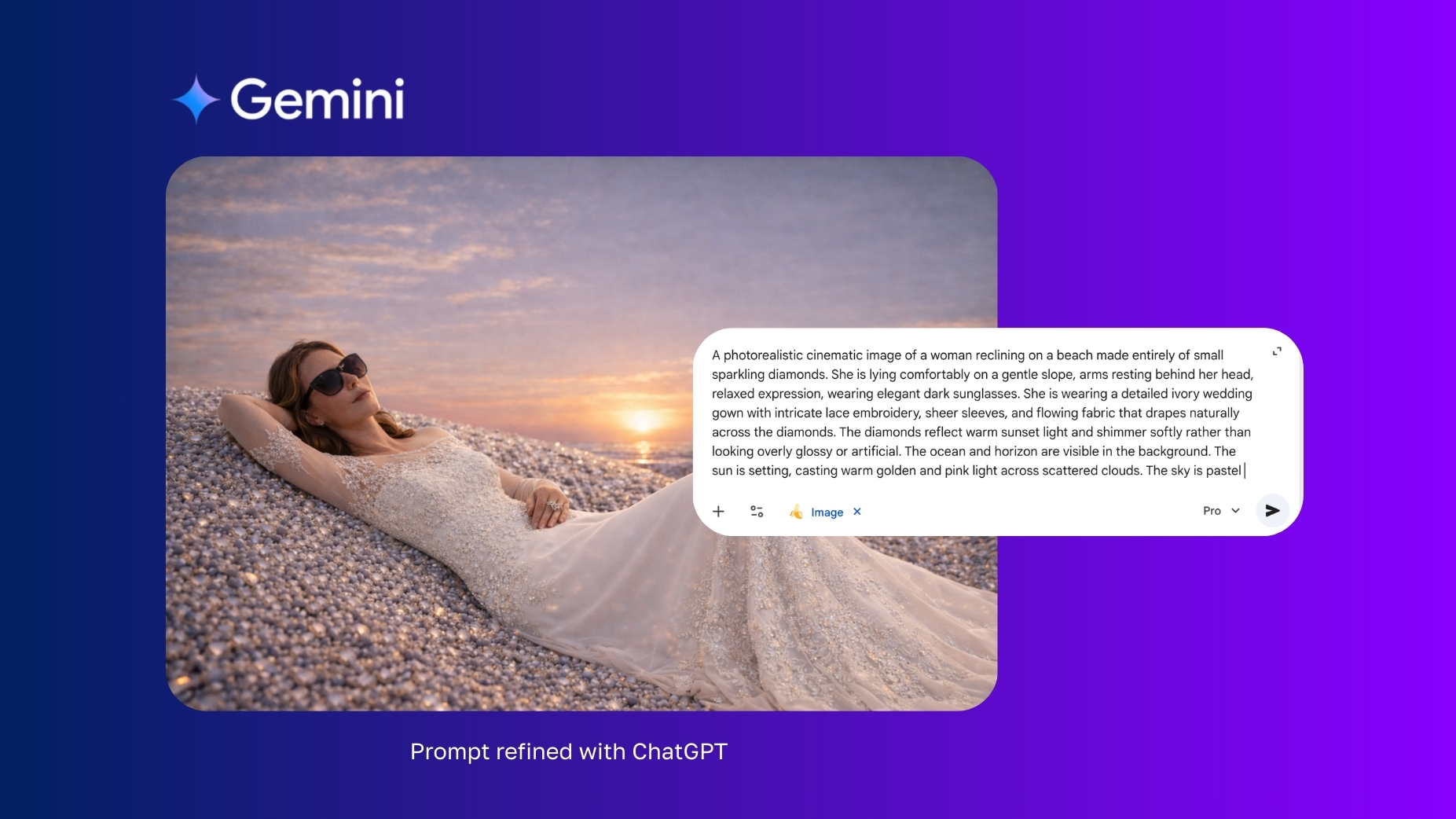
Before you make your video, make your concept art. Developing a shot list and storyboarding with AI allows you to test ideas quickly and cheaply before committing to full video generation. It also gives you frames to upload into image-to-video tools, giving you far greater control over the final output.
At this stage, AI helps you explore visual decisions that would otherwise be left up to the model. You can experiment with character appearance, camera angles, lighting, environments, and composition, refining each element until the tone and visual language feel right. Many creators improve results by iterating their prompts repeatedly before selecting a frame. First, use AI to create your image generation prompts or refine them. Then, refine AI’s prompts to meet your needs.
Your storyboard doesn’t need to be perfect; it just needs to answer a few key questions:
- What’s the subject, action, and setting?
- What does the audience see first?
- What changes as each shot progresses throughout the story?
- What visual moment delivers the payoff?
Recommended Tools: Gemini (Nano Banana), ChatGPT Images, Midjourney, Stable Diffusion
Step 4: AI Video Generation
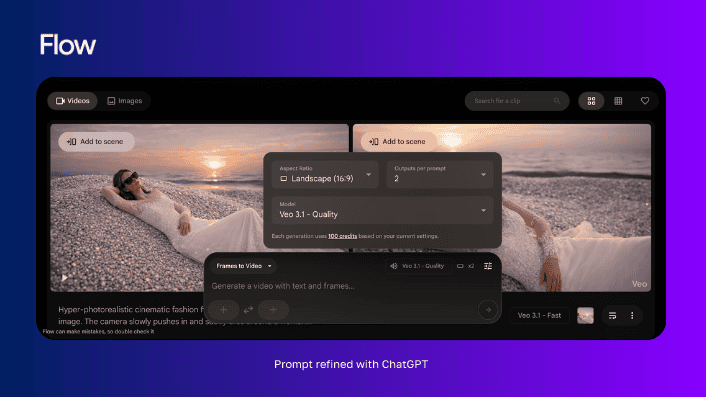 Generation is the step that typically comes to mind when people think about AI video creation. But the uninitiated think of all AI videos as purely prompt-based. However, for a polished animatic or final deliverable, your team should typically avoid text-to-video. Unless your goal is rapid ideation, use variations of image-to-video, motion-to-video, or video-to-video to maximize control and consistency.
Then, generate every shot you need. And know that most AI videos today aren’t generated in one shot. Often, a single shot won’t be more than 5 seconds. Many models won’t generate more than 10 seconds at a time, and those that generate longer clips won’t generate footage you can use in its entirety. But watch any ad or film carefully, and you’ll realize a shot rarely needs more than that.
Just be ready to generate multiple takes, experiment with different models, and combine outputs from several sources. Creators who achieve the strongest results usually focus less on finding the “best model” and more on building a reliable workflow. And teams that produce consistently strong work tend to be fluent in several tools, choosing each one intentionally based on the task at hand. This isn’t inefficiency; it’s production. Traditional filmmaking requires multiple takes, revisions, and adjustments. And AI video is no different.
Recommended Tools: Google Flow (Veo), Kling, Runway, Pika, Wan, Luma Dream Machine, Stable Video Diffusion, Freepik, ArtList, Higgsfield, Fal.AI, ElevenLabs (Voice & Sound), Suno (Music)
Step 5: AI Video Editing
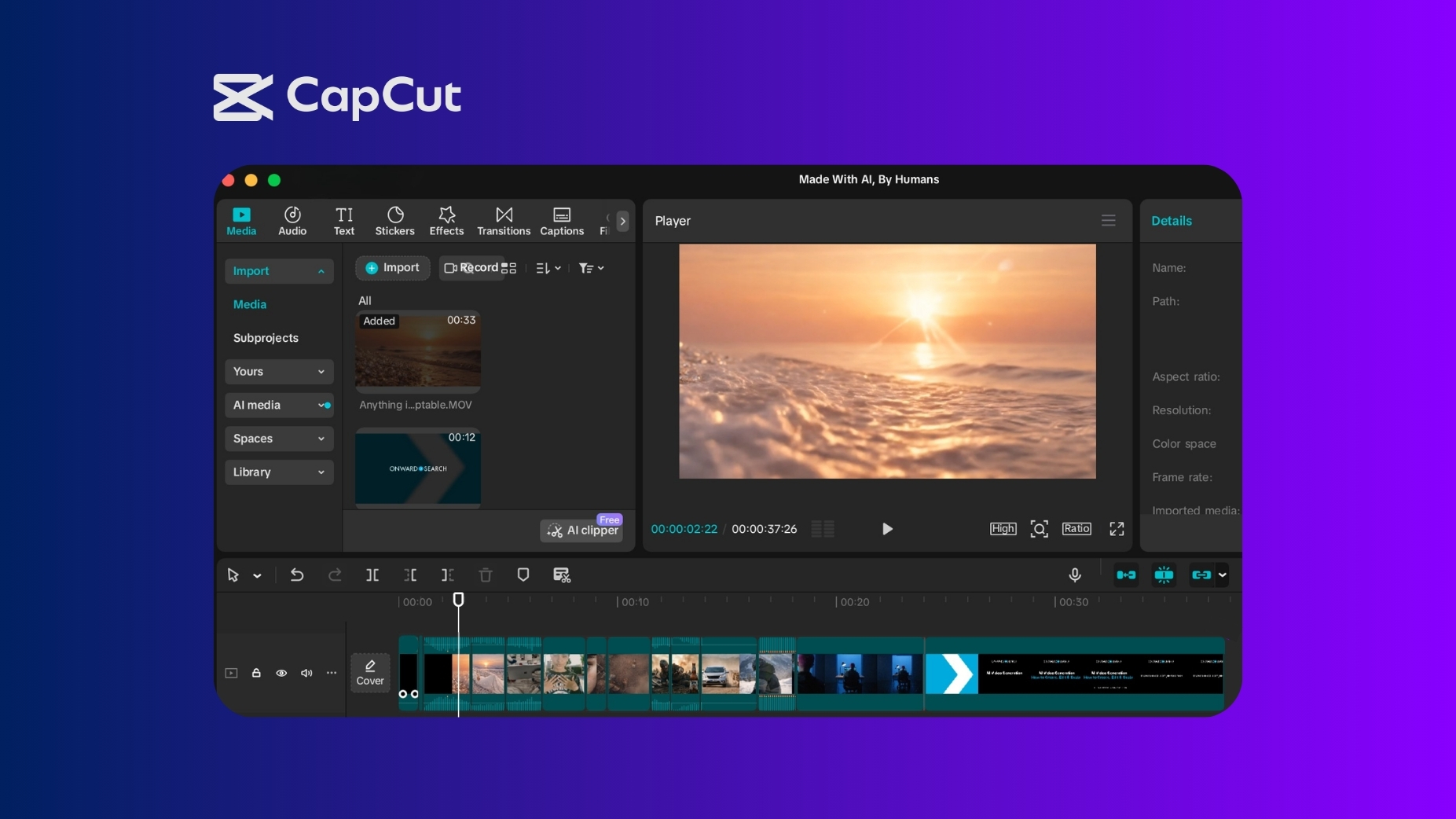
The more control you want, the more you need the talent behind your tools. Editing is where pacing, timing, emotion, and clarity come together, and it’s often the stage that determines whether a video feels polished or amateur.
During editing, creators often refine pacing, tighten dialogue, adjust color and contrast, and layer music or sound effects to guide the viewer’s attention. These details shape how a video feels and whether audiences stay engaged.
AI tools can assist with cuts, captions, and enhancements, but the judgment behind timing, rhythm, and storytelling still belongs to people.
Editing isn’t just assembly; it’s storytelling. The strongest AI videos often differ significantly from their first draft, not because the idea changed, but because the edit improved the clarity and emotional impact of the message.
Recommended Tools: Descript, Runway, CapCut, Adobe Premiere Pro, DaVinci Resolve
Final Thoughts
When people think about what makes an AI video great, they often measure success by whether it “looks like AI.” But what makes any AI video work is the same as what makes any video, ad, or Super Bowl spot work. It’s not just about how lifelike they look; it’s about whether they accomplish their intended goal.
Great AI videos begin with a hook that inspires people to stick around until the end. They’re rooted in a human insight that’s undeniably true. They don’t just promote products and services; they deliver value by entertaining and educating audiences. What sets them apart from slop is that they make you learn, think, feel, or act. And it takes talent to create them.
So, if you’re not a filmmaker, writer, or art director, and you’ve never worked on an ad or film of any kind—resist the urge to try to create a masterpiece with this article and the AI models of your choice. Instead, share the insights in this guide with proven professionals and give them the AI training, tools, and freedom they need to generate the videos you seek.
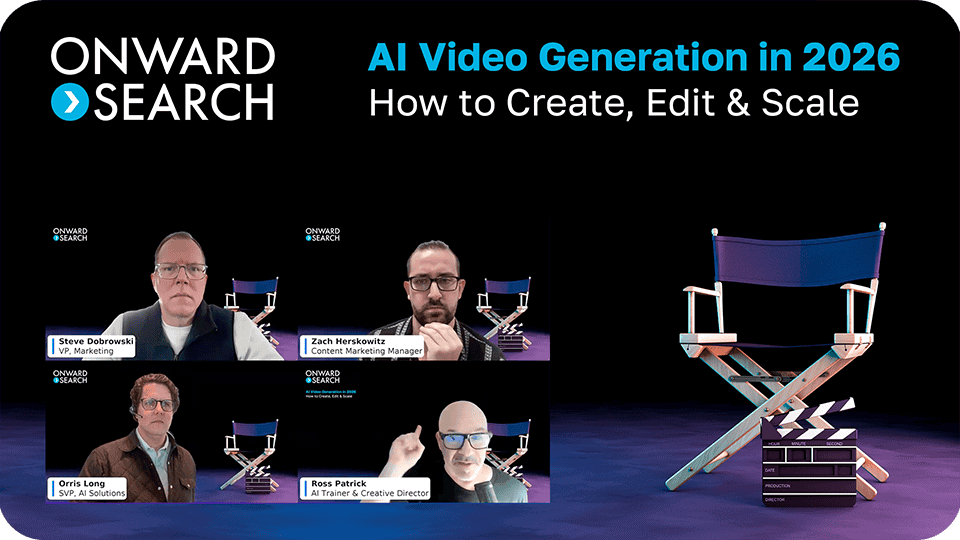
On-Demand Webinar:
AI Video Generation in 2026
Watch how an award-winning creative director integrates AI into his video workflows.
 Stop reading about AI videos. Start creating them.
Whether you’re looking to assess your workflows, upskill your teams, or execute AI-powered projects, Onward Search can support you through our flexible AI solutions.
Request an AI Consult
Request services or additional information. We’ll respond within 24 hours to support you.